
Wisdom Insights Citations
Details
Talkwalker's Wisdom Insights now includes inline citations in the Wisdom Citations widget. Each key claim in a Wisdom generated summary is followed by a numbered citation marker that links back to the original source content.
Previously, Wisdom summaries surfaced key claims without showing where the information came from, making it hard to confirm accuracy or dig into the underlying data. With citations, you can check a claim against its source in a click, rather than re running research manually to confirm what the summary told you.
Key Benefits
Verify claims instantly: Check the source behind any key claim in a Wisdom summary without leaving the page.
Defend your reporting: Point to the original source when a stakeholder challenges a claim in your reports.
Build trust in AI summaries: See exactly where each claim comes from, reducing hesitation around AI generated content.
How it Works
Using Wisdom Insights Citations is simple: citations appear automatically wherever a Wisdom summary supports a claim with a source. This lets you move from a summary straight to the original conversation or post that backs it up.
Spot the citation – Look for the bracketed number at the end of a claim in your Wisdom summary.
Preview the source – Select the citation to open a preview card showing the original post or content.
Redirect to the original – Select Redirect to open the source content in a new tab for a closer look.
Trust what's shown – If Wisdom can't confidently link a source, no citation appears, so you're never pointed to the wrong place.
By tying every key claim in your Wisdom summaries to its original source, you gain a faster path to verification, helping you trust and act on AI generated insights with confidence.
Learn more about in the Help Center.
Please complete the form to learn more
* indicates required fields
Related updates

Threads Keyword Search
Threads Keyword Search lets you monitor public conversations around specific keywords on Threads, giving your team a fuller picture of how topics, campaigns, and brands are discussed on one of the fastest-growing social platforms.
Social OS: The First Operating System That Turns Live Social Signals into Business Action
Social OS brings social intelligence, publishing, customer care, and employee advocacy together in one AI-powered operating system, so you can move at the speed of culture.
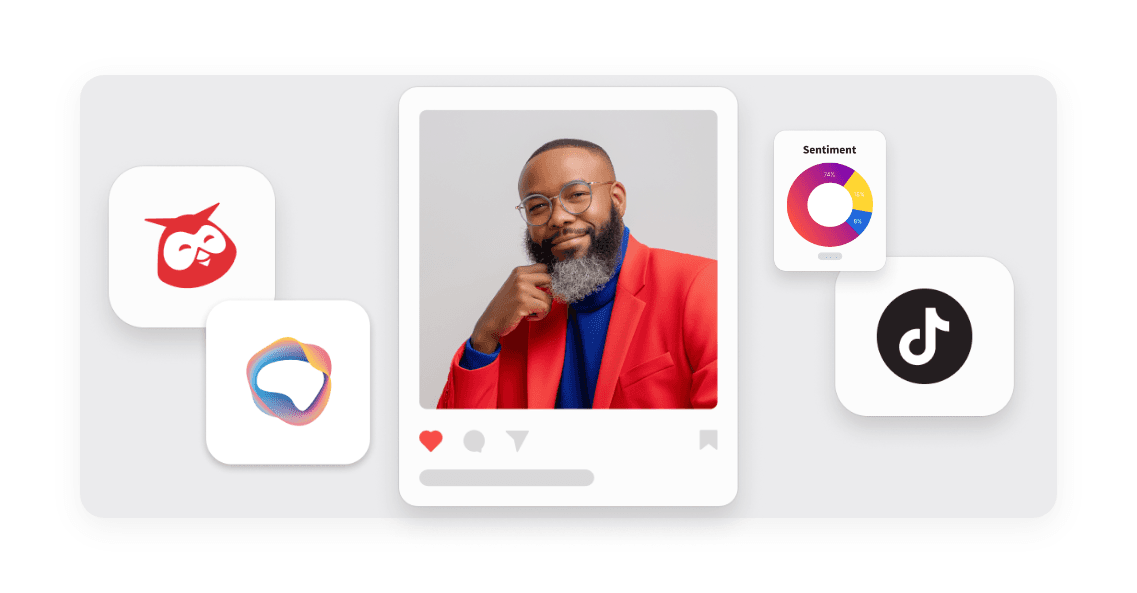
TikTok Hashtag monitoring
TikTok Hashtag Monitoring lets you track up to 50 brand hashtags so you can see the full conversation shaping your brand.

Unlock insights tailored to your business
Get your zero-risk trial to see how Hootsuite can power brand growth with the industry’s deepest insights.